Plan Thanksgiving, Christmas and New Year in one place with the US Holiday Season Planner. From tracking gift spending to working out what needs to go in the oven and when, this 16-page planner helps you stay on top of the details throughout the season.
Budget and gift tracking for planned and actual spending, gifts bought and wrapped, cards and deliveries.
Dedicated pages for each holiday with guest lists, RSVPs, dietary notes, menus, shopping lists and cooking schedules.
Event and weekly planning for gatherings, appointments, travel, errands and deadlines.
Recipe cards and a master shopping list to keep favourite dishes and supplies together.
End-of-season reflections to remember what worked and what you’d like to do differently next year.
Download the printable PDF and open it from your Downloads folder.
Select File → Print or press Ctrl + P on Windows or ⌘ + P on Mac.
Choose your printer, select Portrait, and set the paper size to match the paper in your printer. If the preview shows any edges being cut off, choose Fit to page.
Select All pages to print the full 16-page planner, or enter the page numbers you need. You can print extra copies of the gift tracker, shopping lists or recipe cards whenever you need more space.
Choose Color to keep the illustrations in color or Grayscale to save color ink. Check the preview, then select Print.
Plan Thanksgiving, Christmas and New Year in one place with the US Holiday Season Planner. From tracking gift spending to working out what needs to go in the oven and when, this 16-page planner helps you stay on top of the details throughout the season.
Budget and gift tracking for planned and actual spending, gifts bought and wrapped, cards and deliveries.
Dedicated pages for each holiday with guest lists, RSVPs, dietary notes, menus, shopping lists and cooking schedules.
Event and weekly planning for gatherings, appointments, travel, errands and deadlines.
Recipe cards and a master shopping list to keep favourite dishes and supplies together.
End-of-season reflections to remember what worked and what you’d like to do differently next year.
Download the printable PDF and open it from your Downloads folder.
Select File → Print or press Ctrl + P on Windows or ⌘ + P on Mac.
Choose your printer, select Portrait, and set the paper size to match the paper in your printer. If the preview shows any edges being cut off, choose Fit to page.
Select All pages to print the full 16-page planner, or enter the page numbers you need. You can print extra copies of the gift tracker, shopping lists or recipe cards whenever you need more space.
Choose Color to keep the illustrations in color or Grayscale to save color ink. Check the preview, then select Print.

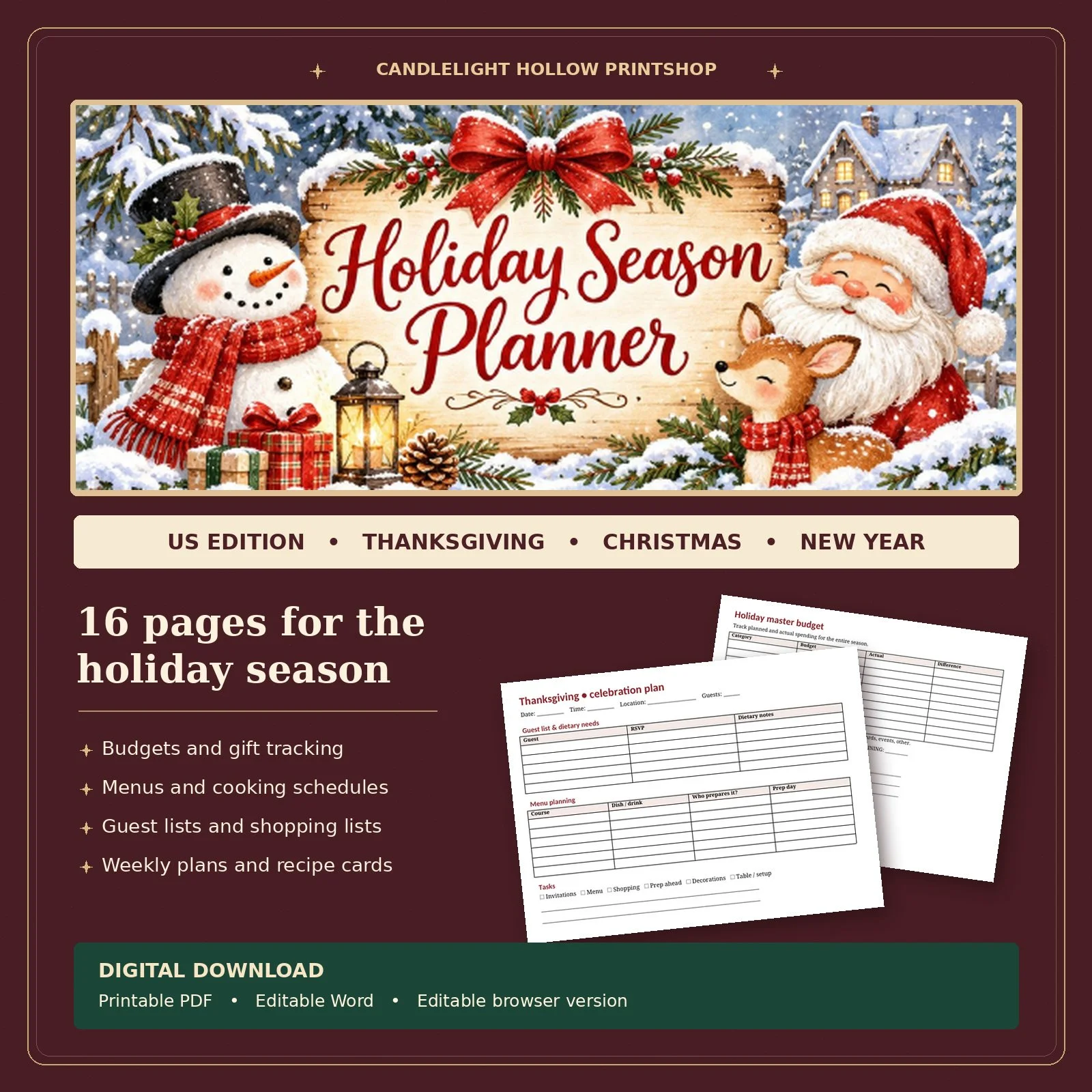 Image 1 of 1