Plan Christmas, Boxing Day and New Year in one place with the UK Holiday Season Planner. Keep track of who’s coming, what’s on the menu and what still needs buying, from the first festive shop to the final New Year gathering.
Holiday budget and gift tracker for planned and actual spending, presents bought and wrapped, cards and deliveries.
Celebration plans for all three holidays with guest lists, RSVPs, dietary notes, menus and tasks.
Meal prep and shopping lists to organise what to buy and when to start cooking.
Weekly planner and event schedule for gatherings, errands and deadlines.
Three festive recipes, blank recipe cards and a reflections page to save favourites and make notes for next year.
Download and open the planner. Follow the download link provided with your order, then open the downloaded HTML (.html) file in your web browser.
Start with your season overview. Enter your key dates and priorities, then use the budget and gift tracker to record planned spending, purchases and presents still to wrap.
Plan each celebration. Use the Christmas, Boxing Day and New Year sections to track RSVPs and dietary needs, plan menus and make shopping lists. Select + Add row in a table if you need more space.
Back up your entries. The planner saves your changes in the browser you’re using. Select Download backup to keep an editable copy of your entries, then use Restore backup to load them again when needed.
Print or save a PDF. Select Print / Save as PDF, then choose your printer for a paper copy or Save as PDF for a digital copy.
Plan Christmas, Boxing Day and New Year in one place with the UK Holiday Season Planner. Keep track of who’s coming, what’s on the menu and what still needs buying, from the first festive shop to the final New Year gathering.
Holiday budget and gift tracker for planned and actual spending, presents bought and wrapped, cards and deliveries.
Celebration plans for all three holidays with guest lists, RSVPs, dietary notes, menus and tasks.
Meal prep and shopping lists to organise what to buy and when to start cooking.
Weekly planner and event schedule for gatherings, errands and deadlines.
Three festive recipes, blank recipe cards and a reflections page to save favourites and make notes for next year.
Download and open the planner. Follow the download link provided with your order, then open the downloaded HTML (.html) file in your web browser.
Start with your season overview. Enter your key dates and priorities, then use the budget and gift tracker to record planned spending, purchases and presents still to wrap.
Plan each celebration. Use the Christmas, Boxing Day and New Year sections to track RSVPs and dietary needs, plan menus and make shopping lists. Select + Add row in a table if you need more space.
Back up your entries. The planner saves your changes in the browser you’re using. Select Download backup to keep an editable copy of your entries, then use Restore backup to load them again when needed.
Print or save a PDF. Select Print / Save as PDF, then choose your printer for a paper copy or Save as PDF for a digital copy.

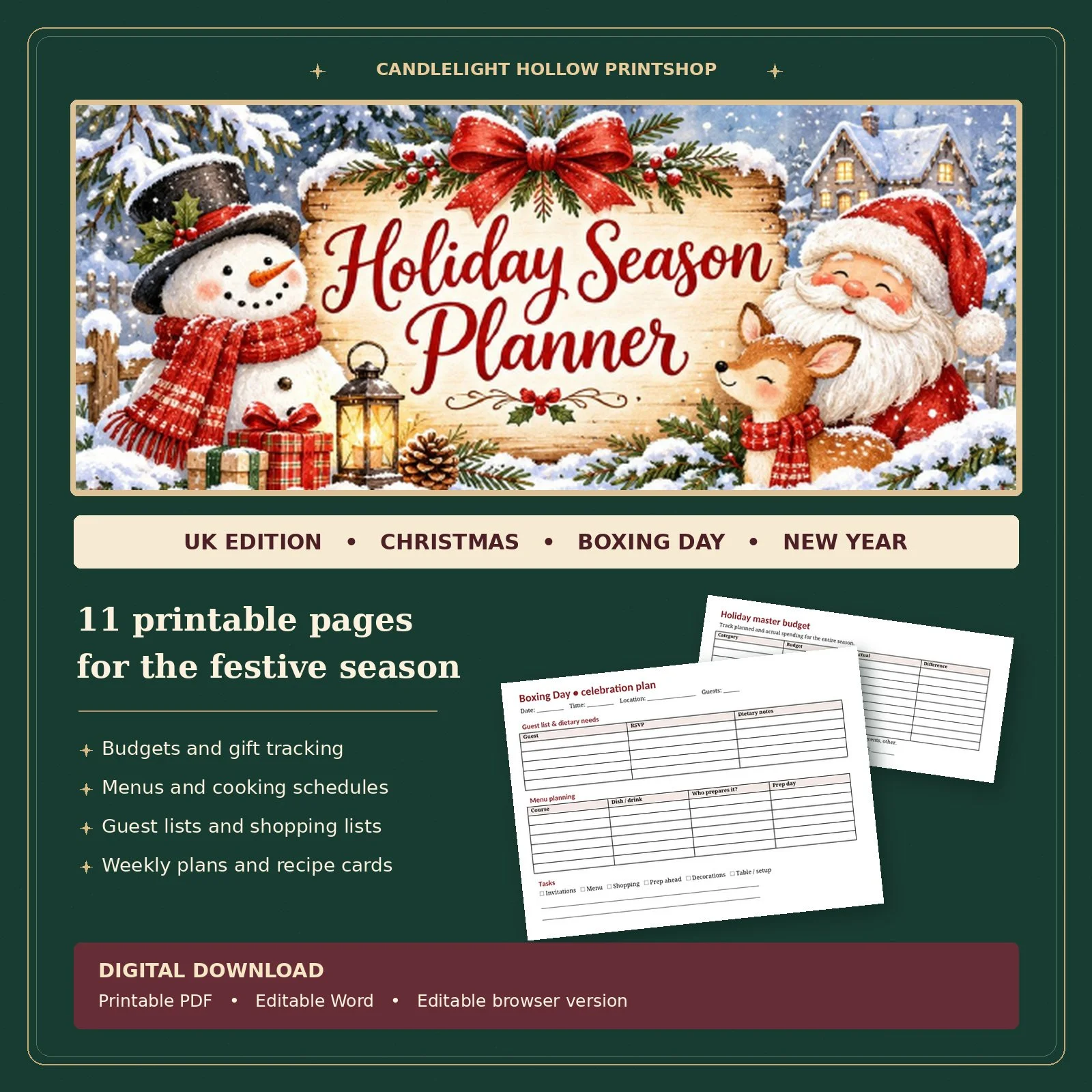 Image 1 of 1